Key Takeaways
- Content decay now compresses from 18 months to 6-9 months in AI-driven search.
- Decay, cannibalization, and outdated information are distinct issues requiring different fixes.
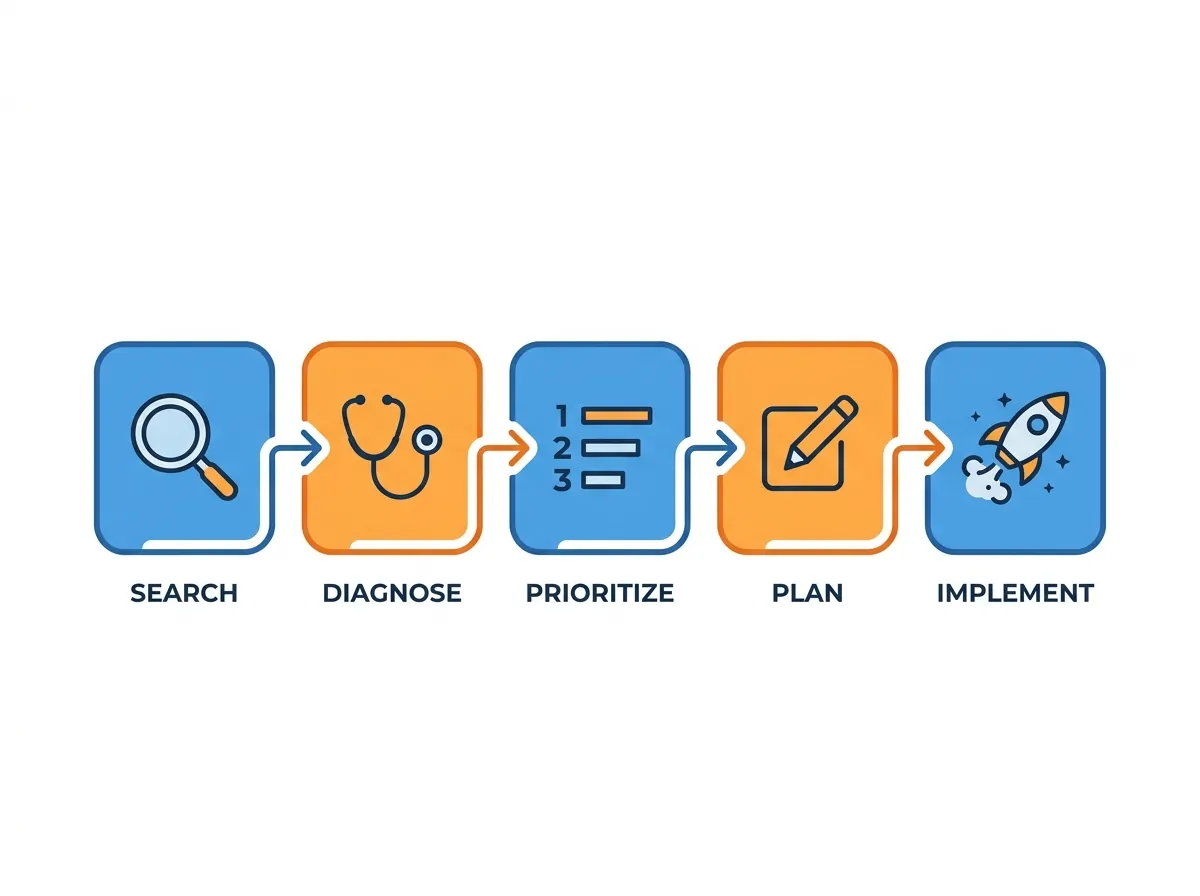
- A 5-step audit framework identifies, diagnoses, prioritizes, revises, and republishes decayed posts.
- Refresh core SEO signals: titles, meta, headings, statistics, internal links, schema, and publish date.
- AI-powered automation enables batch content refresh workflows at scale across large WordPress libraries.
What Is Content Decay and How Does It Differ From Related Issues?
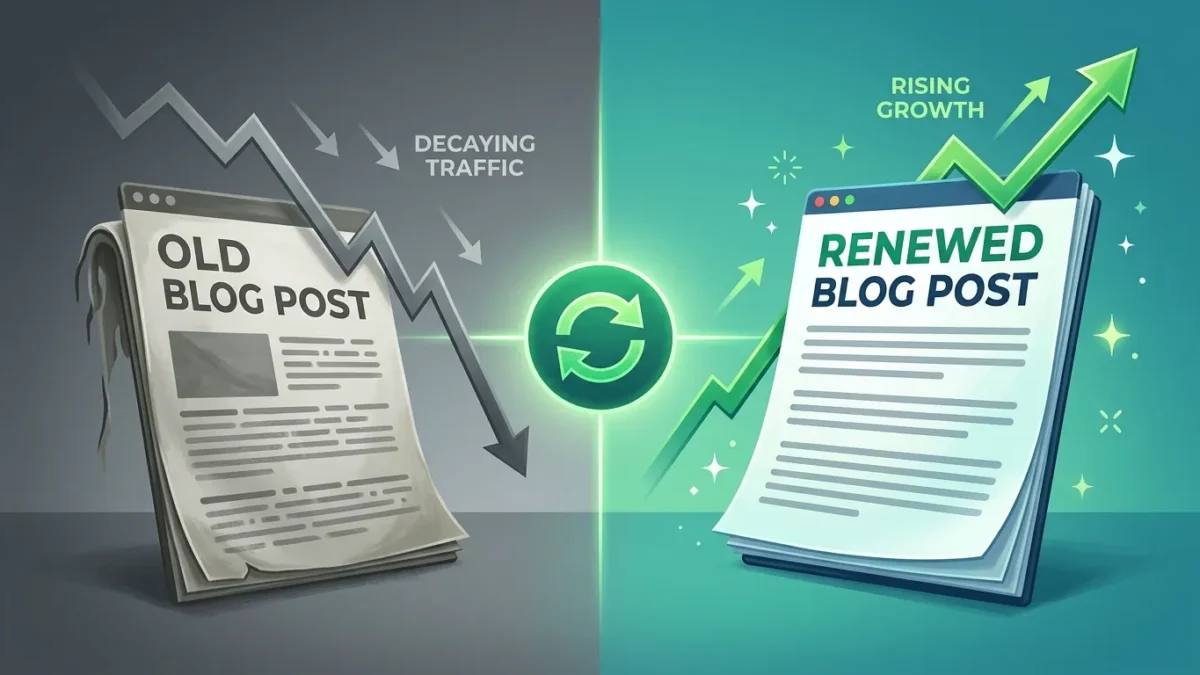
Content decay is an ongoing decline in organic performance of a single asset over time, distinct from keyword cannibalization (two of your pages competing for the same query) and outdated information (factually incorrect content damaging user trust). Clearscope defines it as a slow decline that, as their team notes, “can go unnoticed if you don’t have the proper systems to identify it,” per Clearscope’s content decay framework. Understanding these distinctions matters because each issue demands a different remedy. Decay is solved by refreshing and deepening existing content. Cannibalization is solved by consolidation or differentiation. Outdated information is solved by factual correction. Treating them interchangeably produces wasted effort and continued traffic losses. For WordPress publishers building long-term authority, accurate diagnosis is the foundation of every recovery strategy, which ties directly into building topical authority on WordPress through content clusters.Why Does Content Decay Happen Faster in 2026?
Content decay accelerates in 2026 because AI search systems weight freshness, engagement, and semantic completeness more aggressively than traditional ranking algorithms, compressing the viable lifespan of static articles from roughly 18 months to 6-9 months. Evolving algorithms, shifting query patterns, and Core Web Vitals degradation compound the effect. User engagement metrics act as early warning indicators. Rising bounce rates and declining time-on-page signal that content no longer satisfies the query intent it once did. A particularly dangerous pattern involves impressions dropping 35% while clicks only drop 20%, which indicates visibility is collapsing faster than traffic, a leading signal of imminent ranking loss. Page performance compounds the problem: one documented case saw Largest Contentful Paint rise from 2.1s to 4.8s after five third-party scripts were added, triggering measurable ranking decline. Producing AI-extractable content structured for modern search helps counteract this compression.How Can You Audit WordPress Content for Decay in Five Steps?
A systematic 5-step audit framework identifies decay candidates, diagnoses root causes, prioritizes by traffic value, determines the correct intervention, and republishes with updated signals. This structured approach prevents wasted effort on low-value pages and directs refresh resources toward highest-impact recovery opportunities. Step 1 — Identify: Export Google Search Console data across a 12-month window and flag URLs with declining impressions, clicks, or average position. Step 2 — Diagnose: Determine whether the cause is outdated information, weakened topical depth, SERP intent shift, technical performance, or lost backlinks. Step 3 — Prioritize: Rank candidates by historical traffic value, conversion contribution, and keyword difficulty recovery potential. Step 4 — Decide the intervention: Rewrite substantially (most decayed posts), prune entirely (thin or irrelevant pages), or consolidate multiple overlapping articles into one authoritative resource. As Clearscope’s Nate explains, consolidation sends “a clear signal to both search engines and visitors that ‘this is the piece; this has everything you want.'” Step 5 — Republish: Update the publish date, refresh all on-page signals, and request re-indexing. Pairing this workflow with disciplined keyword analysis strategies for SEO optimization sharpens prioritization decisions.Which SEO Signals Must Be Refreshed During Content Updates?
A complete WordPress refresh must update titles, meta descriptions, H2/H3 headings, statistics and data points, internal links, schema markup, and the visible publish date. Partial refreshes that update only body copy consistently underperform full-signal refreshes in post-update ranking recovery.- Title and meta: Incorporate updated year, refreshed primary keyword, and current search intent phrasing.
- Headings: Restructure H2s as question-based queries matching current user search patterns.
- Statistics: Replace any data point older than 18 months with current figures and named sources.
- Internal links: Add connections to newer cluster content and remove links to pruned pages.
- Schema: Update Article, FAQ, and HowTo schema to reflect revised structure and dates.
- Publish date: Update visible date only when substantive revisions have been made — not for cosmetic changes.
What Does a Successful Content Refresh Look Like in Practice?
A successful refresh typically produces measurable ranking and traffic recovery within 30-60 days of republishing. One documented WordPress case saw traffic drop 47% over three months due to outdated information before a full rewrite restored performance, per Atlas Marketing’s reporting. Clearscope’s own team increased monthly organic traffic by 54% since Q1 2024 using disciplined decay management, reinforcing that systematic refresh workflows compound over time.How Does Automation Scale Content Decay Management?
AI-powered automation scales content decay management by continuously monitoring performance signals, flagging decay candidates, and generating refresh drafts across hundreds of posts simultaneously — work that is mathematically impossible to perform manually on large WordPress sites. Clearscope automatically monitors content decay, and the Content Decay Report is included standard in all SEOTesting subscriptions, per SEOTesting’s content decay tools overview, with entry-level plans starting at $50 per month. Effective automation stacks combine three layers: detection (Search Console integrations that surface declining URLs), diagnosis (AI models that classify the decay cause), and generation (structured rewriting tools that produce updated drafts aligned to current SERP intent). Buzzin Content Studio enables generates publication-ready WordPress drafts for multiple decayed posts, making systematic recovery feasible for sites with 500+ articles.Frequently Asked Questions
What are the signs that my content is decaying?
Signs of content decay include a significant drop in organic traffic, decreased engagement metrics such as time on page and bounce rates, and outdated or irrelevant information that no longer aligns with current trends or user intent.
How often should I refresh my WordPress content?
Content should be refreshed at least once a year, but more frequent updates are recommended for high-traffic pages or topics that evolve rapidly. Regularly reviewing and updating content ensures it remains relevant and valuable to users.
Can outdated content affect my site’s SEO rankings?
Outdated content can negatively impact SEO rankings as search engines prioritize fresh and relevant content. If your content lacks current information or fails to address user needs, it may lead to lower visibility in search results.
What tools can I use to identify content decay?
Tools such as Google Analytics, SEMrush, and Ahrefs can identify content decay by analyzing traffic trends, engagement metrics, and keyword rankings. These tools help pinpoint which pages require updates or optimizations.
How do I know if I should rewrite or prune content?
Content should be rewritten if it is outdated, inaccurate, or no longer aligns with user intent. Pruning is necessary for content that performs poorly and does not provide value, while still maintaining a healthy site structure and user experience.