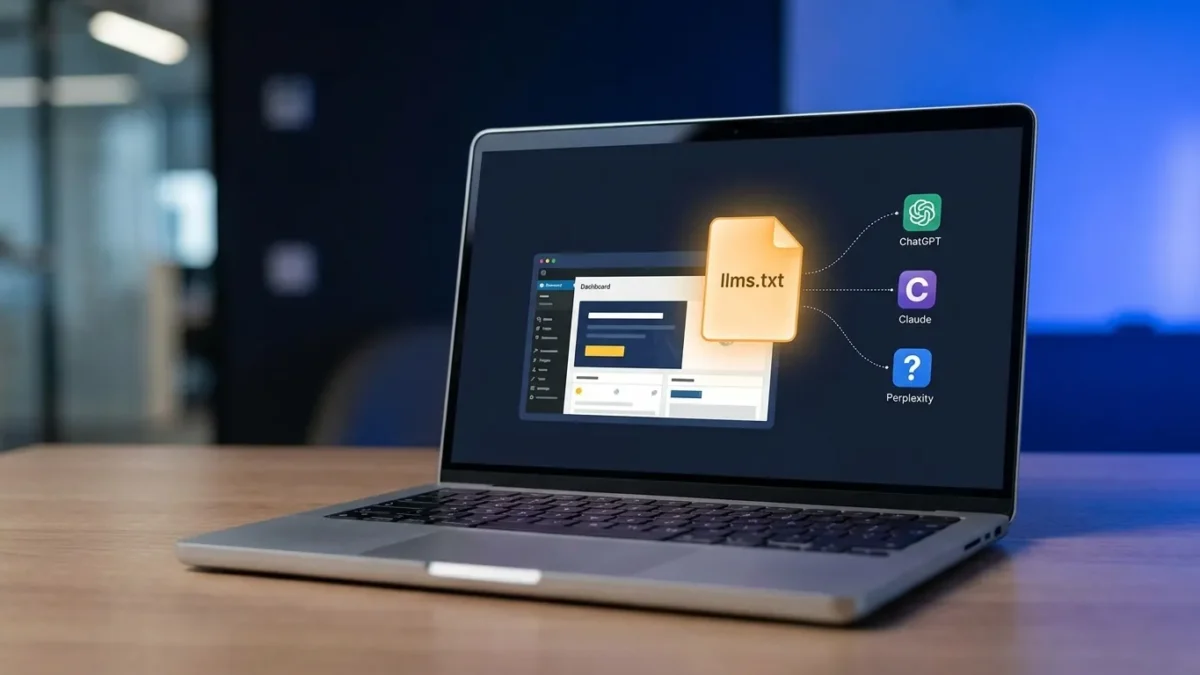
WordPress blog quotes appearing in ChatGPT, Claude, and Perplexity responses depend largely on whether your site exposes a clean llms.txt file that points AI crawlers to the exact pages, formats, and contexts you want quoted. This plain-text file sits at your root domain and acts as a curated map for large language models, separating high-value content from noise.
Key Takeaways
- Place llms.txt at your root domain to direct AI crawlers to quotable content.
- WordPress blog quotes improve when the file lists canonical URLs with clear context labels.
- Update frequency settings determine how quickly AI models reflect your latest posts.
- Structured headings and concise summaries increase extraction accuracy by answer engines.
- Monitor GPTBot, ClaudeBot, and PerplexityBot visits to verify the file is being read.
TL;DR: llms.txt for WordPress Summary
- llms.txt is a plain-text directory that tells AI models which pages to quote.
- It complements robots.txt and sitemap.xml without replacing either.
- WordPress plugins generate and update the file automatically based on post status.

WordPress blog quotes for ‘The llms.txt File: How to Tell ChatGPT, Claude, and Perplexity Exactly What to Quote from Your WordPress Blog’.
What Is the llms.txt File and Why Does It Matter for WordPress?
The llms.txt file is a plain-text manifest placed at the root of a website that directs AI assistants to high-value content for accurate quoting. According to Yoast, this file isn’t for search engines. It is for AI assistants trying to provide accurate answers based on your content.
The distinction matters because traditional crawlers index pages for ranking, while AI systems extract passages for synthesis. ChatGPT processes over a billion queries daily, and Perplexity handles 780 million monthly searches, per analysis from Piotr Sikora. A WordPress blog without an llms.txt file leaves quote selection entirely to the model’s interpretation of raw HTML, which often includes navigation menus, footer text, and sidebar widgets as candidate content.
Yoast notes that AI tools only scan small parts in real time when responding to a question. The llms.txt file shortens that scan path by listing the canonical URLs of your best posts in markdown format, increasing the probability that WordPress blog quotes pulled into AI responses reflect your strongest writing rather than incidental page elements. For schema-driven optimization, pair llms.txt with the Schema Markup for AEO: The 7 JSON-LD Types every WordPress blog needs.
Key Components of an Effective llms.txt File
A functional llms.txt file includes the site title, a one-sentence description, and grouped lists of URLs under contextual headings such as Documentation, Blog Posts, or Product Guides. Each URL should appear with a short descriptor explaining what the page contains. This format provides models the context required to match quotes to user queries with precision.
How Do You Craft WordPress Blog Quotes That AI Models Will Extract?
WordPress blog quotes are extracted reliably when posts open with a direct, self-contained answer of 30 to 60 words, use descriptive H2 headings phrased as questions, and place key statistics in standalone sentences. AI models prioritize passages that require no surrounding context to make sense.
Research from Princeton University found that specific optimization techniques can boost visibility in AI responses by up to 40%, according to Piotr Sikora’s analysis. The techniques that produce this lift are structural rather than stylistic: short paragraphs, clear topic sentences, and explicit definitions of key terms within the first 100 words of each section.
Posts that bury the main point under three paragraphs of background rarely surface in AI responses. The model scans for extractable units, and a 200-word setup before the actual answer signals low information density. Writers preparing content for llms.txt inclusion should treat the first sentence of each H2 section as the answer and the remaining paragraphs as supporting evidence.
Using Contextual Keywords Within Posts
Keywords should align with the main topic and appear in the title, the first paragraph, and at least two H2 headings. Context phrases such as “in WordPress,” “for blog posts,” or “using this method” help disambiguate quotes when models pull them into responses about adjacent topics. For deeper attribution analysis, the 2026 AI Citation Audit guide explains how to verify which posts are actually being quoted.
What Common Mistakes Reduce AI Quoting Accuracy?
The most common mistakes are failing to update llms.txt after publishing new posts, omitting context labels for listed URLs, and including low-value pages such as tag archives or author pages alongside primary content. Each of these dilutes the signal that AI crawlers use to select quotes.
The WordPress llms.txt plugin allows update frequency to be set to immediate, daily, or weekly. Sites publishing more than twice per week should use immediate or daily updates to ensure new posts appear in the file before AI crawlers next visit. A stale file means recent posts remain invisible to ChatGPT and Claude until the next refresh cycle, regardless of how strong the content is.
Studies project LLM traffic growing from 0.25% of all search volume in 2024 to 10% by the end of 2025, per Piotr Sikora. Sites that treat llms.txt as a set-and-forget configuration miss the compounding benefit of consistent inclusion across that growth curve. The file requires the same editorial attention as a sitemap or content calendar.
Warning Signs of Ineffective AI Quoting
Warning: If ChatGPT or Perplexity consistently misattributes quotes from your site, paraphrases inaccurately, or fails to cite your domain when answering queries your content directly addresses, the llms.txt file likely contains stale URLs, missing context, or conflicting directives with robots.txt.
How Do You Troubleshoot llms.txt Issues on WordPress?
Troubleshooting begins with verifying the file is accessible at yourdomain.com/llms.txt, confirming AI crawlers are not blocked in robots.txt, and reviewing crawler logs to see which bots have visited. The WordPress llms.txt plugin records visits from GPTBot, ClaudeBot, and PerplexityBot when crawler logging is enabled.
58.5% of searches on AI platforms now result in zero clicks, according to data cited by Piotr Sikora. This means quote accuracy directly determines whether your brand appears in AI responses at all, since users may never visit the source. A misconfigured llms.txt file is therefore not a minor technical issue but a primary visibility risk. Compare citation behavior across platforms using the ChatGPT vs Perplexity vs Google AI Overviews breakdown.
If crawler logs show no AI bot activity after two weeks, check that the file appears in your server’s response headers as text/plain and that no caching plugin is serving an outdated version. The Yoast implementation and the standalone WordPress llms.txt plugin both expose configuration panels where the file’s contents can be regenerated manually.
When to Seek Technical Support
Persistent issues after configuration checks warrant developer review, particularly if your site uses custom post types, multilingual setups, or membership gating that may interfere with how URLs are listed in the file.
How Does Structured Content Improve AI Quoting?
Structured content improves AI quoting by providing models clear extraction boundaries through H2 and H3 headings, bullet lists, and short paragraphs. Posts with consistent structure produce more quotable passages because each section functions as a self-contained answer unit.
Yoast confirms that llms.txt complements your sitemap and robots file, meaning the three work together rather than overlap. The sitemap tells search engines what exists. Robots.txt controls access. The llms.txt file curates which content is worth quoting and provides the context needed for accurate attribution. For agencies managing multiple sites, the marketing agencies scaling content guide covers llms.txt deployment across client portfolios.
Formatting decisions that improve AI extraction include using descriptive link text, placing summary sentences at the start of each section, and avoiding decorative phrases that add words without information. A post that reads cleanly to a human scanner will almost always perform better in AI extraction than one optimized purely for keyword density.
Formatting Patterns That Increase Citation Rates
Pro Tip: Open each post with a 40 to 60 word direct answer, follow with a Key Takeaways list, and use question-format H2 headings throughout. This three-part structure matches the extraction patterns AI models use most reliably across queries in any topic area.
For plugin-level implementation across your WordPress stack, the AEO WordPress Plugins Ranked: Top 10 for 2026 evaluates which tools handle llms.txt generation alongside schema and answer optimization.
Frequently Asked Questions
What if my llms.txt file is not being recognized by the AI?
Is it true that longer quotes are always better for AI?
When should I update my llms.txt file?
Why might my AI assistant misquote my blog content?
How can I improve the accuracy of quotes from my WordPress blog?
Can I control which quotes are selected from my WordPress blog?
Final Thoughts on llms.txt for WordPress Blog Quotes
The llms.txt file is the most direct mechanism available for controlling how WordPress blog quotes appear in AI responses. Sites that maintain a current, well-structured file with clear context labels and immediate update settings position themselves to capture citation share as AI search volume continues to grow. The technical setup takes under an hour with a dedicated plugin, and the editorial discipline required is the same that produces strong content under any framework: write direct answers, use clear structure, and update consistently.