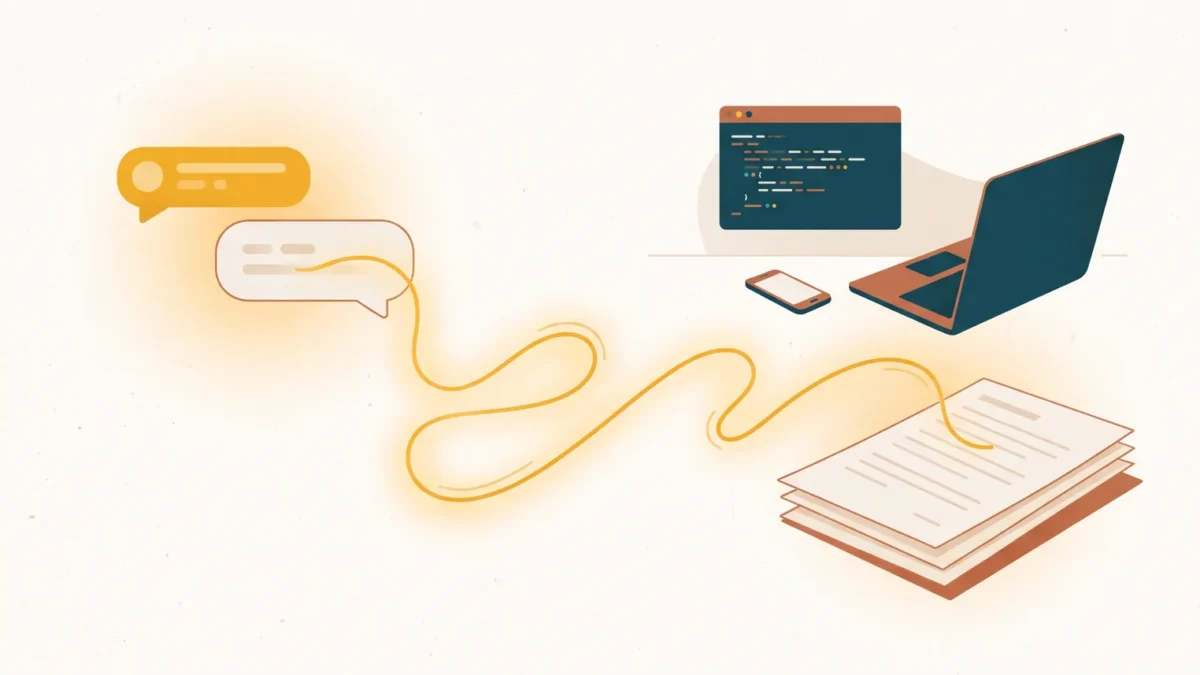
October 24, 2026. Buzzin launched a WordPress MCP connection for Buzzin Content Studio this week. You can now run your blog’s whole content loop from the AI assistant you already talk to all day, whether that’s Claude, ChatGPT, Gemini, Perplexity or the coding tool open in your terminal. Agencies can connect every client site they manage, and each connection stays locked to its own site.
For a lot of writers, consultants and founders, the AI assistant is the first window opened in the morning and the last one closed at night. The blog still lives in another tab. Moving between the two has meant copying text out of a chat, pasting it into the editor, fixing the formatting, and hoping the brand voice survived the trip.
Three stories from a WordPress MCP workday
Maya, on a train between client meetings
Maya is an independent SEO consultant with a full calendar and a client post due Friday. On a forty-minute train ride between meetings, Maya opens Claude and asks for a researched draft on the client’s chosen topic. By the time the train pulls in, the draft has a grade and a short list of improvements, and Claude has applied them at Maya’s request. The finished draft is already waiting in the client’s WordPress, written in the client’s brand voice. Nothing was copied, pasted or reformatted along the way.
Priya, running six client sites from one chat window
Priya runs a small agency with six client blogs, from a bakery to an accounting firm. Each site has its own Buzzin connection, named after the site, so Priya can see at a glance which client a conversation is working on. On Monday morning Priya opens the bakery’s project in Claude, asks it to find the weakest drafts waiting on that site and tighten them, then picks a featured image for the strongest one.
Later, Priya asks for a tax-season update for the accounting firm while the bakery’s connection is still switched on in that chat. Claude reaches for the connection it has open, and the bakery’s site turns the request away because it’s addressed to a different website. Nothing changes on the bakery’s blog. Claude says so, and Priya switches to the accounting firm’s connection. A mix-up that once meant an awkward phone call ends as a one-line message in the chat.
Sam, shipping from the terminal
Sam is a solo founder who works in Claude Code. After shipping a product update, Sam stays in the same terminal and asks Buzzin to turn the release into a blog draft and a matching social caption. The draft lands in the company’s WordPress, ready for a final read, and the caption is ready to post. The announcement no longer waits until there’s time to switch tools, because there’s no switch to make.
The pattern is the same in all three stories. No tab switching, no copy and paste, and the work ends up where it belongs.
| The moment | Before | With Buzzin in your assistant |
|---|---|---|
| Starting a post | Draft in a chat, paste into WordPress, fix the formatting | Ask once. A researched draft lands in WordPress, in your brand voice |
| Improving drafts | Open each one and guess what to fix | Get a grade and an ordered list of fixes, apply them, and check the new grade in the same conversation |
| Images and social | Separate tools, downloads and uploads | Pick an image and a caption without leaving the chat |
| Several client sites | A browser tab per client, and the worry of editing the wrong one | One connection per site, each refusing requests meant for another |
Review, fix, re-check: a feedback loop for every post
Maya’s grade on the train comes from Post Review, and it’s the part of Buzzin that keeps a post improving after the first draft. Ask your assistant to review any draft or published post and you get an A–F grade, separate SEO, AEO and GEO scores, and a short list of fixes in priority order. Then the loop is simple.
| Step | What you ask | What you get |
|---|---|---|
| 1. Review | “Review my draft on crate training.” | A grade, three scores and the fixes that matter most, first |
| 2. Fix | “Apply the top three.” | The draft is revised in WordPress, with the previous version saved |
| 3. Re-check | “Review it again.” | The new grade next to the old one, so you can see what moved |
Many of the fixes cover the same on-page checks that Rank Math, Yoast, All in One SEO and SEOPress score: where the focus keyword appears, how headings are used, the meta description, and links to your other posts. Buzzin already writes the focus keyword, SEO title and meta description straight into whichever of those plugins you run. So when a fix lands, the plugin’s own score updates as soon as the editor recalculates it, and you don’t have to take Buzzin’s word for the improvement.
Post Review also checks what those plugins don’t: whether a reader’s question is answered near the heading that promised it, whether claims point to named sources, and whether the structure is easy for answer engines and AI assistants to use. That’s what the AEO and GEO scores measure.
Each new review costs 3 AI credits. Reviewing a post again when nothing has changed is free, so checking where things stand never costs you anything.
Built for agencies, with every site kept separate

Agencies were the hardest case we designed for. When one assistant can reach several client sites, a single mix-up costs trust. So each Buzzin connection belongs to exactly one website. It signs in to that site alone, it tells the assistant which site it is, and it refuses any request addressed to a different website before anything changes. Connections are named after their site, so they never look alike in your assistant’s menu.
For the cleanest switch between clients, keep one project per client in Claude or ChatGPT with only that client’s connection turned on. If two are on at once, a request that names the wrong site is refused rather than guessed at. And because everything lands as a draft with its history saved, you always get a final look before anything reaches readers.
Still your blog, still your call
Everything an assistant creates arrives as a draft by default. Nothing goes live unless the site owner has explicitly allowed it, so a quick request typed on a phone can’t publish a half-finished post by accident. The site owner decides who can connect and what connected assistants are allowed to do. Any assistant can be disconnected at any time, and its access ends the moment it’s removed.
The quality of the work doesn’t change when it starts in a conversation. Assistants use the same research, the same brand voice and the same SEO plugin integration that power Content Studio inside WordPress. There are no separate API keys to create, store or rotate.
Set up in about two minutes
Connecting takes about two minutes and needs no code and no keys.
- Turn on the connection in Buzzin’s settings.
- Paste your site’s connection link into your AI assistant.
- Sign in with WordPress and approve.
That’s the whole setup. Buzzin’s settings walk you through it for each assistant, with your site’s link and name already filled in. Managing several sites? Repeat it once per site. Once approved, the assistant can start working with the site in the next message.
Meeting writers where they already work
“Writers already spend their day talking to an AI assistant, so that’s where their blog should be too,” said the Buzzin team. “Our job is to meet people where they already work and make sure the result lands in the right WordPress site, in their voice, under their control.”
Buzzin doesn’t promise rankings, traffic or AI citations from any single post, because those depend on the content and the market around it. If you want to see how AI search visits are reported, start with our guide to measuring AI search traffic.
Existing Buzzin customers can update the plugin and connect today. New readers can start at buzzin.ai.
Questions about the WordPress MCP launch
Which AI assistants work?
Claude (on the web, desktop and phone), ChatGPT, Gemini, Perplexity, Mistral Le Chat and Microsoft Copilot Studio, plus coding tools including Claude Code, Cursor, VS Code, Gemini CLI and Windsurf. Some assistants only allow custom connectors on certain plans of their own.
Can I manage several client sites from one assistant?
Yes. Add one connection per site. Each connection only works on its own site and refuses any request addressed to another one. For the clearest separation, turn on only one client’s connection per chat or project.
Will Post Review raise my Rank Math or Yoast score?
Often, because many of its fixes target the same on-page checks those plugins score, and the plugin’s score updates as soon as the fix is in. The two aren’t identical, though. Rank Math and Yoast grade a checklist, while Post Review also grades how well answer engines and AI can use the post. Neither score is a ranking guarantee.
Will an assistant publish without me?
No. Assistants create drafts by default, and nothing goes live unless the site owner explicitly allows it.
Does it cost extra?
No. The connection uses the same AI credits included in your Buzzin plan, with no extra subscription.
Do I need to be technical?
No. If you can paste a link and sign in to WordPress, you can set it up.